
External webcams outperform your laptop’s built-in camera across multiple performance metrics. You’ll experience considerably higher resolution—often 1080p or 4K versus typical 720p laptop cameras—and superior image processing. Advanced technologies like RightLight™ guarantee better low-light performance, while professional-grade optics deliver sharper, more accurate visuals. Noise-cancelling microphones and intelligent color correction further elevate your video communication quality. Curious about transforming your virtual presence?
Key Takeaways
- External webcams consistently offer superior video quality with resolutions up to 4K, compared to laptop cameras’ typical 720p limitation.
- Advanced external webcam technologies like RightLight™ provide significantly better performance in challenging and low-light environments.
- Purpose-built webcams feature superior image sensors and lenses, delivering sharper, more detailed, and color-accurate visual presentations.
- External webcams include professional features like adjustable fields of view, noise-cancelling microphones, and automatic brightness correction.
- The higher resolution and intelligent imaging technologies of external webcams transform video interactions from amateur to professional-grade quality.
Understanding Built-In Laptop Camera Limitations
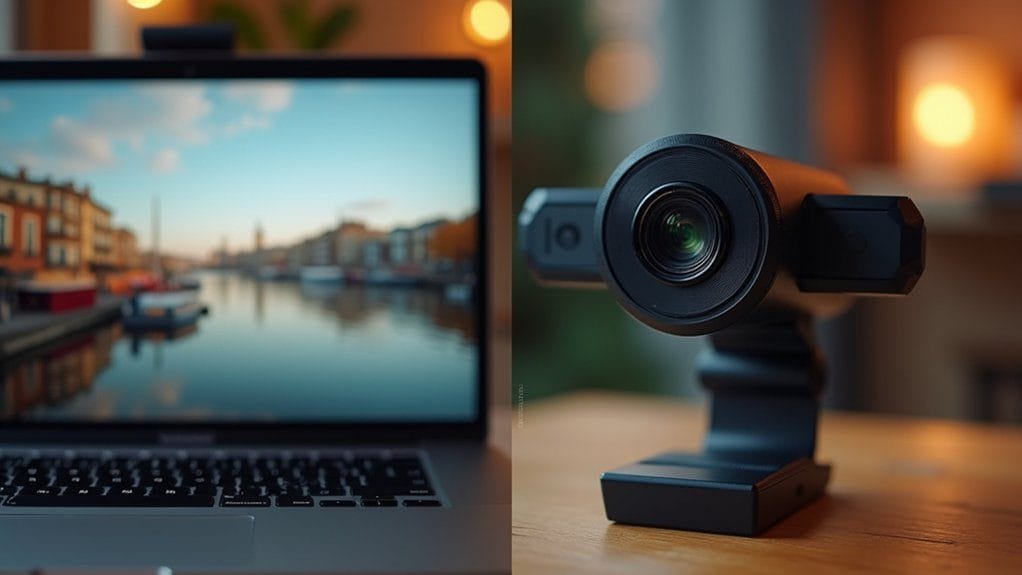
While digital communication has become increasingly visual, laptop manufacturers often compromise on camera quality. You’ll quickly notice the stark differences between built-in webcams and external webcams, particularly in video quality. Typical laptop cameras capture video at 720p resolution, considerably lower than the 1080p and 4K options of external webcams. The performance suffers from subpar sensors and lenses, resulting in poor image clarity, especially in challenging lighting conditions. Without advanced features like automatic low light adjustments, built-in webcams struggle to provide crisp, professional-looking footage. Additionally, odd camera angles positioned below eye level create unflattering perspectives during video conferences. When you compare the limitations of built-in webcams—including resolution constraints, poor lighting performance, and awkward positioning—it becomes clear why many professionals opt for external webcam solutions.
Advantages of Purpose-Built External Webcams
The digital revolution demands visual clarity, and purpose-built external webcams emerge as the superior solution for professional communication. Unlike laptop cameras, these better cameras deliver Full HD and 4K video quality, dramatically enhancing visual presentations. You’ll benefit from advanced features like adjustable fields of view, allowing precise framing and background management that integrated cameras can’t match.
External webcams frequently incorporate RightLight™ 3 technology, ensuring excellent visibility even in challenging lighting conditions. These devices aren’t just about video—they include noise-cancelling microphones and customizable settings that elevate your professional appearance. By investing in a high-quality external webcam, you’re upgrading your remote communication infrastructure, transforming standard video interactions into crisp, clear, and sophisticated professional exchanges.
Resolution and Image Quality Comparison
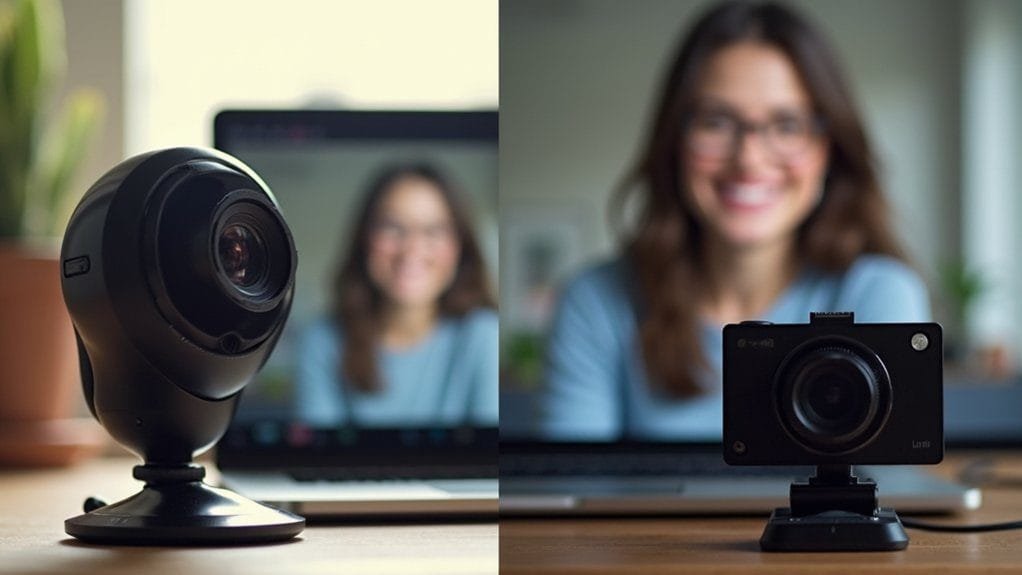
When comparing visual performance across digital communication devices, resolution stands as the primary differentiator between laptop cameras and external cameras. You’ll quickly notice that most laptop cameras max out at 720p, while external webcams like the Logitech Brio deliver crisp HD video up to 1080p or even 4K resolution. This significant jump in image quality translates to sharper, more detailed visuals during video conferences and streaming.
Beyond pure resolution, external cameras offer superior low light performance and more sophisticated image processing. You’ll appreciate their ability to produce more accurate color reproduction and automatic brightness adjustments. These technical advantages mean external webcams consistently outperform built-in laptop cameras, providing professionals and content creators with dramatically improved visual communication tools.
Performance in Different Lighting Conditions
Depending on the ambient light, video communication devices exhibit markedly different performance characteristics that can greatly impact visual clarity and professional presentation. External cameras, particularly those designed for video conferencing, outperform built-in laptop cameras by leveraging advanced technologies like automatic brightness and built-in ring lights. While laptop cameras struggle in dim environments, producing grainy imagery, high-resolution external webcams adapt seamlessly to varying lighting conditions. The NexiGo N960E, for instance, provides adjustable illumination that enhances image quality, ensuring you maintain a crisp, professional appearance. Higher resolution external cameras—offering 1080p or 4K capabilities—further compensate for challenging lighting scenarios, delivering superior visual fidelity that built-in cameras simply cannot match.
Essential Features for Professional Video Calls
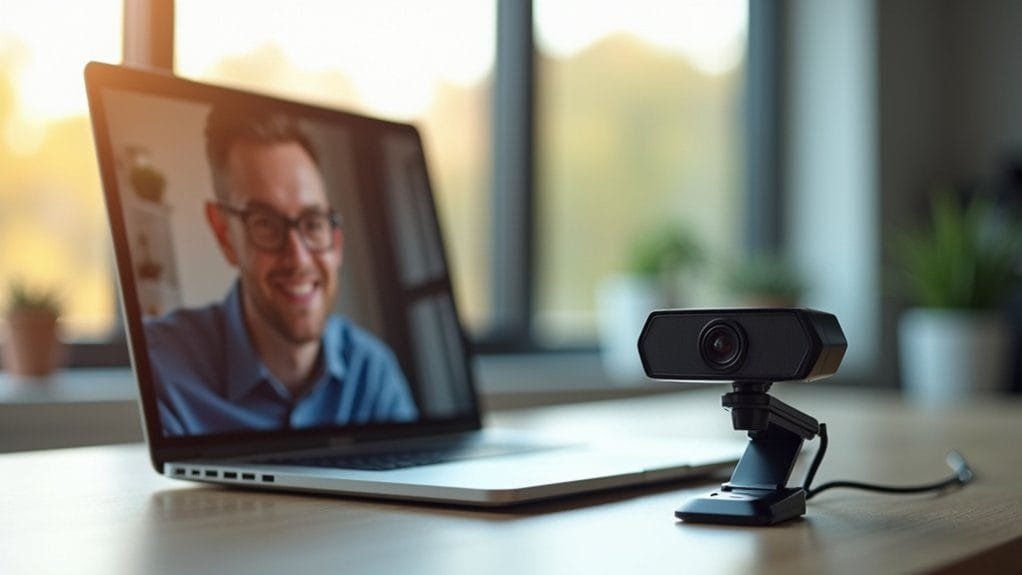
Beyond illumination challenges, professional video communication demands sophisticated camera technologies that elevate virtual interactions. When selecting an external camera for video calls, you’ll want to prioritize advanced features that enhance overall quality. Look for webcams offering flexible field of view options, which allow you to control your visual presentation more precisely than laptop cameras.
Professional-grade webcams deliver superior sound quality through integrated microphone arrays, ensuring crystal-clear communication. They also incorporate intelligent technologies like automatic color and brightness correction, which adapt seamlessly to varying lighting conditions. These features transform your virtual presence from amateur to polished, providing a more engaging and professional visual experience during critical business interactions.
Making the Right Choice for Your Needs
How do you navigate the webcam selection maze? Your choice depends on specific needs, whether you’re working from home or upgrading your video conferencing setup. External webcams offer superior video quality compared to built-in laptop cameras, with models like the Logitech Brio 505 and Anker PowerConf C200 delivering crisp 1080p and 2K resolutions. When evaluating options, consider your Macbook Air or Windows laptop’s existing camera settings and compare them against dedicated external webcams. Budget, resolution, low-light performance, and field of view are critical factors. Professional users require sharp imagery, while casual users might prioritize cost-effectiveness. Don’t compromise on visual communication—invest in a webcam that transforms your virtual presence, ensuring you’re seen clearly and professionally across different digital platforms.
Frequently Asked Questions
Is a Webcam Better Than a Laptop Camera?
You’ll find an external webcam typically outperforms your laptop camera, offering superior resolution, clearer streaming quality, better autofocus, and image stabilization that’ll greatly enhance your video clarity based on technical performance and user preferences.
Is It Better to Use a Webcam or Camera for Streaming?
You’ll find cameras offer superior streaming quality, with higher video resolution and better performance in varied lighting conditions. However, webcams provide easier setup, better portability, and more budget-friendly options for most streaming needs.
What Are the Disadvantages of a Webcam?
You’ll encounter drawbacks with webcams: limited resolution, poor low-light performance, and inconsistent quality. Bulkier designs, additional software requirements, potential connectivity issues, and higher costs make them less convenient compared to integrated laptop cameras.
How Do I Choose a Webcam Instead of My Laptop Camera?
Like a lighthouse cutting through fog, a quality webcam illuminates your digital presence. Compare webcam specifications, prioritizing 1080p resolution, low-light performance, and crisp microphone quality. Check user reviews, mounting flexibility, and price to upgrade your video communication experience.
Conclusion
When choosing between laptop cameras and external webcams, you’ll discover significant performance differences. Don’t let budget constraints hold you back—investing in a quality webcam can dramatically improve your professional image and communication clarity. Whether you’re video conferencing, streaming, or creating content, the right camera can elevate your visual presentation, transforming how others perceive your digital presence. Your professional reputation starts with crisp, clear video.